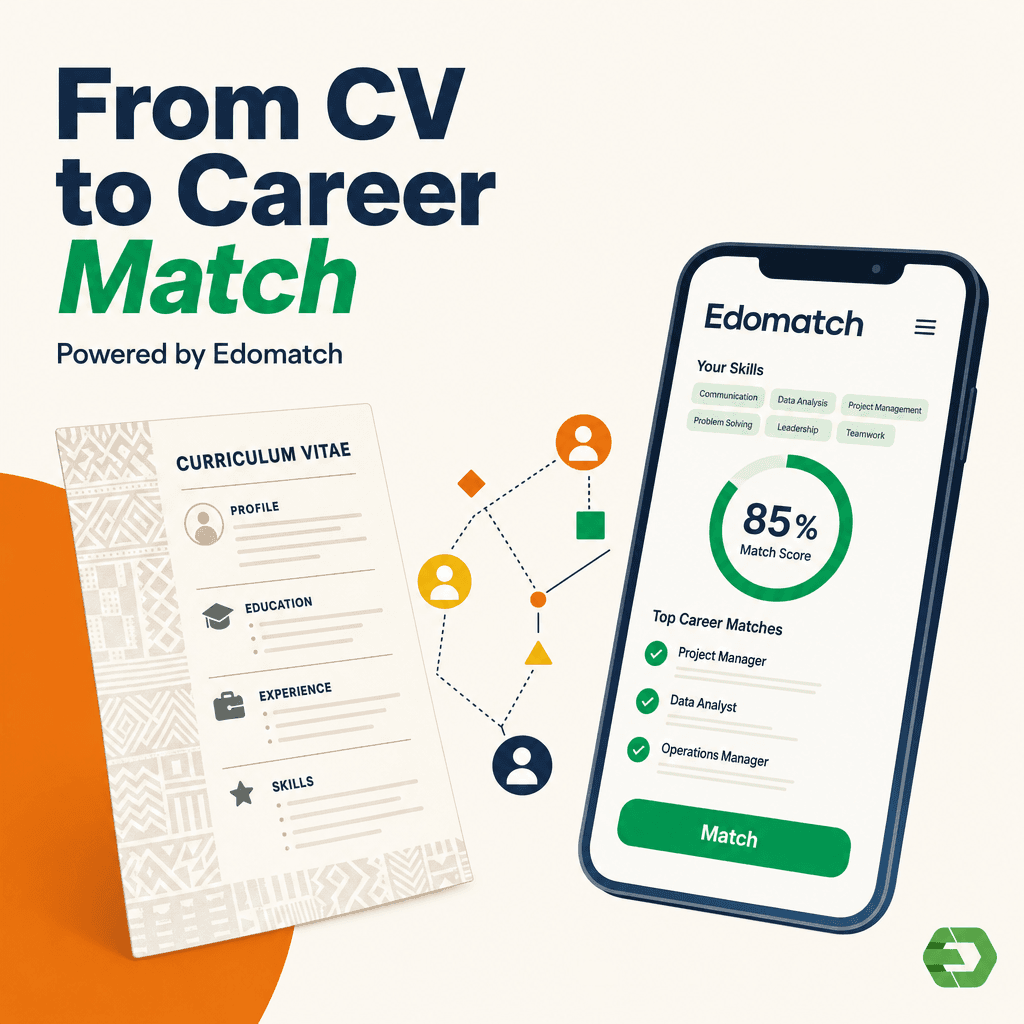
Finding the right job or internship as a student in Togo can be challenging. EdoMatch is a mobile application designed to connect students and young graduates with professional opportunities, both locally and internationally. With just a few steps, you can create your account, showcase your skills, and increase your chances of being noticed by employers. Here’s a simple guide on how to register on EdoMatch as a student in Togo.
1. Download the App
Go to Google Play Store (for Android) or App Store (for iOS) and search for “EdoMatch”. Download and install the app on your smartphone.
2. Create Your Account
Once installed, open the app and click “Create an account”. You have two options:
Fill in your personal details (name, country: Togo, email, password of at least 6 characters) and click Create account.
Or, register directly using your Google or Apple account.
3. Select “I am a Student”
After creating your account, the app will ask you to choose your user type. Select “I am a student” and continue.
4. Complete Your Student Profile
Depending on your study level, you will be asked to provide specific details:
- BAC or BTS students: Upload your valid student ID card.
- Licence, Master or PhD students: Select your university (Lomé, Kara, or private), your faculty, and department. Then upload your student ID card.
5. Review and Finalize
Double-check your information, add a clear profile photo, and include extra skills if necessary. The more complete your profile, the higher your chances of being matched with opportunities.
EdoMatch is more than a job platform; it’s a space where students in Togo can showcase their skills, connect with employers, and access real opportunities. By following these simple steps to register on EdoMatch as a student in Togo, you set yourself up for success in 2025 and beyond.