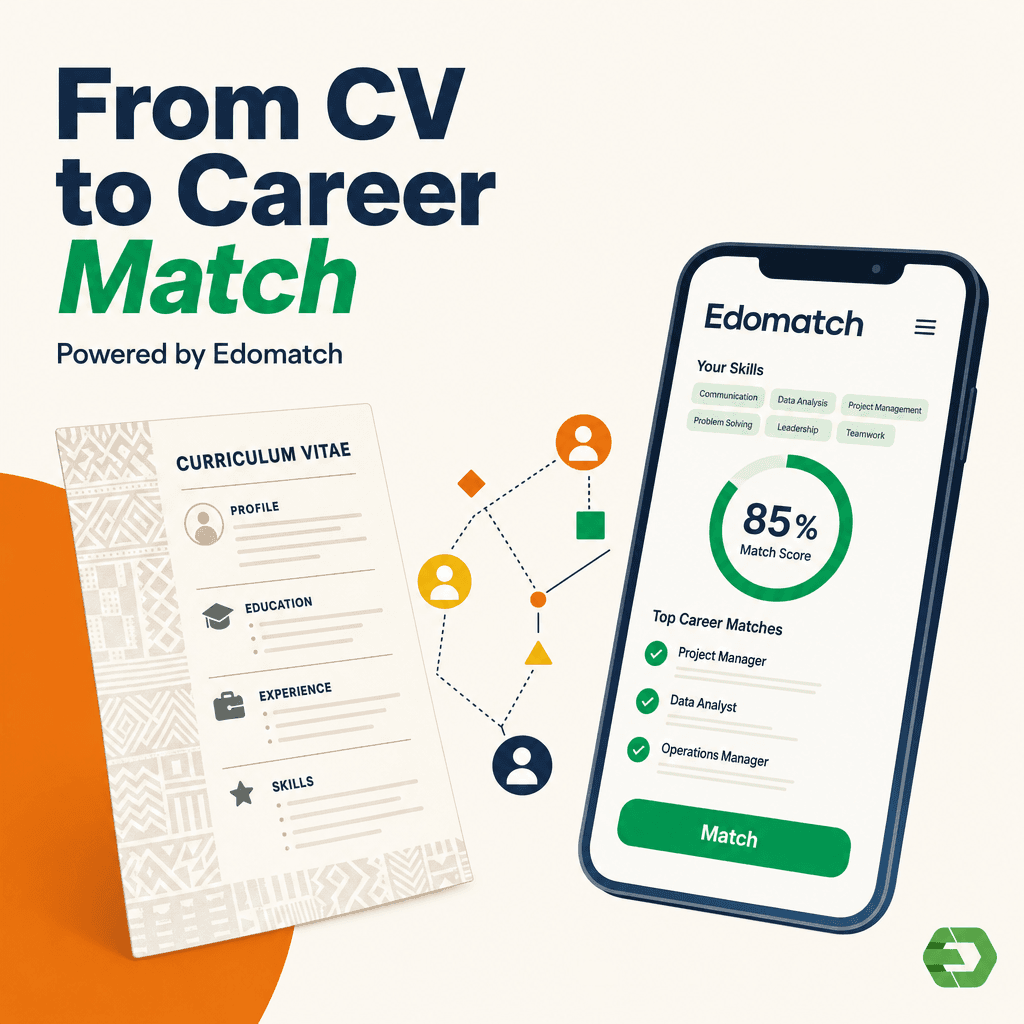
In Benin, EdoMatch makes it easier for students and young graduates to connect with local and international job opportunities. The mobile app allows you to build a profile, highlight your skills, and apply for jobs and internships. Here’s how to register on EdoMatch as a student in Benin.
1. Download the app
Get it from Google Play Store (Android) or App Store (iOS).
2. Create your account
Enter your details (name, country: Benin, email, password).
Or sign up with Google or Apple.
3. Choose “I am a student”
This option is designed for students.
4. Complete your student profile
- BAC or BTS: Upload your student ID card.
- Licence, Master, or PhD: Select your university (Abomey-Calavi, Parakou, or private), your faculty, and department, then upload your student ID.
5. Finalize your profile
Add a clear photo and list extra skills to improve your score.
By following these steps, students in Benin can easily register on EdoMatch and increase their chances of being noticed by employers at home and abroad.