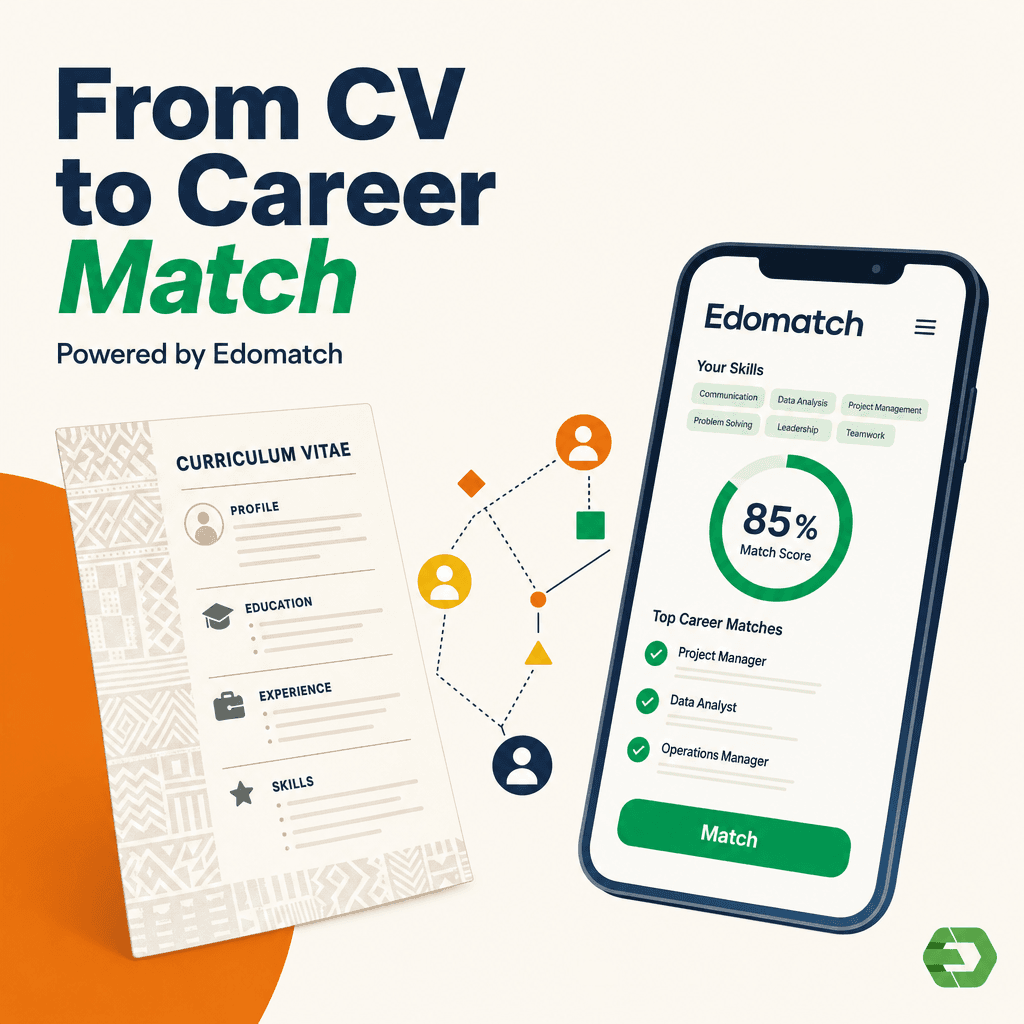
In Côte d’Ivoire, EdoMatch is a smart application that connects students and graduates with companies looking for talent. The registration process is quick and simple, giving students the chance to create strong profiles and access top opportunities. Here’s a step-by-step guide on how to register on EdoMatch as a student in Côte d’Ivoire.
1. Download the app
Find it on Google Play Store (Android) or App Store (iOS).
2. Create your account
Fill in your details (name, country: Côte d’Ivoire, email, password).
Or sign up using Google or Apple.
3. Select “I am a student”
This is the option that matches your profile.
4. Complete your student profile
- BAC or BTS: Upload your student ID card.
- Licence, Master, or PhD: Choose your university (Félix Houphouët-Boigny, Bouaké, or private), select your faculty and department, then upload your student ID.
5. Finalize and improve your profile
Add a professional photo and list your skills to stand out.
With EdoMatch, students in Côte d’Ivoire can highlight their skills and connect directly with local and international companies. Knowing how to register on EdoMatch as a student in Côte d’Ivoire is the first step to boosting your career.