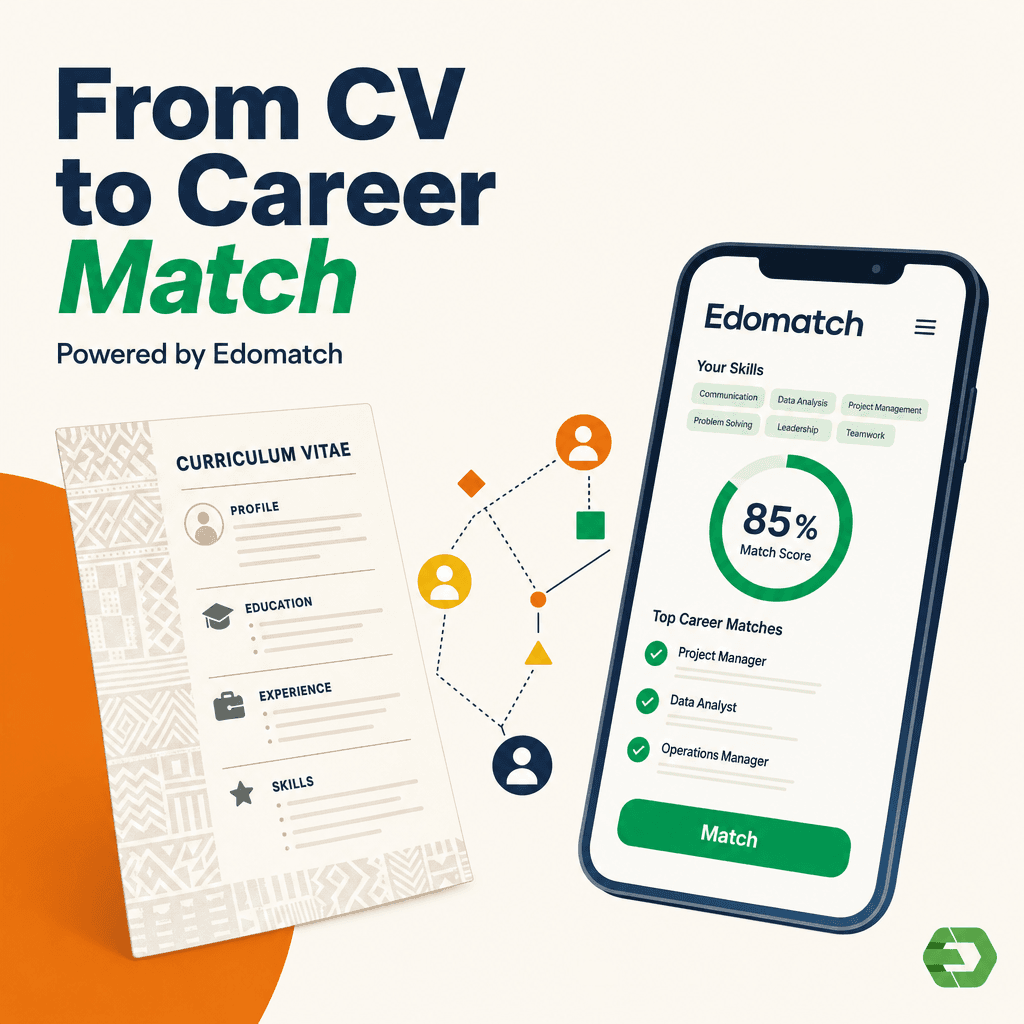
Finding the right job or internship as a student in Ghana can be challenging. *EdoMatch is a mobile application designed to connect students and recent graduates with professional opportunities, both locally and internationally. In a few steps, you can create your account, highlight your skills and increase your chances of being noticed by employers. Here is a simple guide on how to register on EdoMatch as a student in Ghana.
1. Download the application
Go to Google Play Store (for Android) or App Store (for iOS) and search for **"EdoMatch"*. Download and install the application on your smartphone.
2. Create your account
Once installed, open the application and click on "Create an account". You have two options:
Fill in your personal data (name, country: Ghana, email, password of at least 6 characters) and click on Create an account.
Or, register directly using your Google or Apple account.
3. Select "I am a student"
After creating your account, the app will ask you to choose your user type. Select "I am a student" and continue.
4. Complete your student profile
Depending on your level of study, you will be asked to provide specific details:
- Students of BAC or BTS: Upload your valid student card.
- Bachelor, master or PhD students: Select your university (Lomé, Kara or private), faculty and department. Then download your student card.
5. Revise and Finalize
Check your information, add a clear profile picture and include additional skills if necessary. The more complete your profile, the higher your chances of being matched with opportunities.
EdoMatch is more than a job platform; it’s a space where students in Ghana can showcase their skills, connect with employers and access real opportunities. By following these simple steps to register on EdoMatch as a student in Ghana, you are preparing for success in 2025 and beyond.